Article Quick Facts
Why Transparent Printing is Different
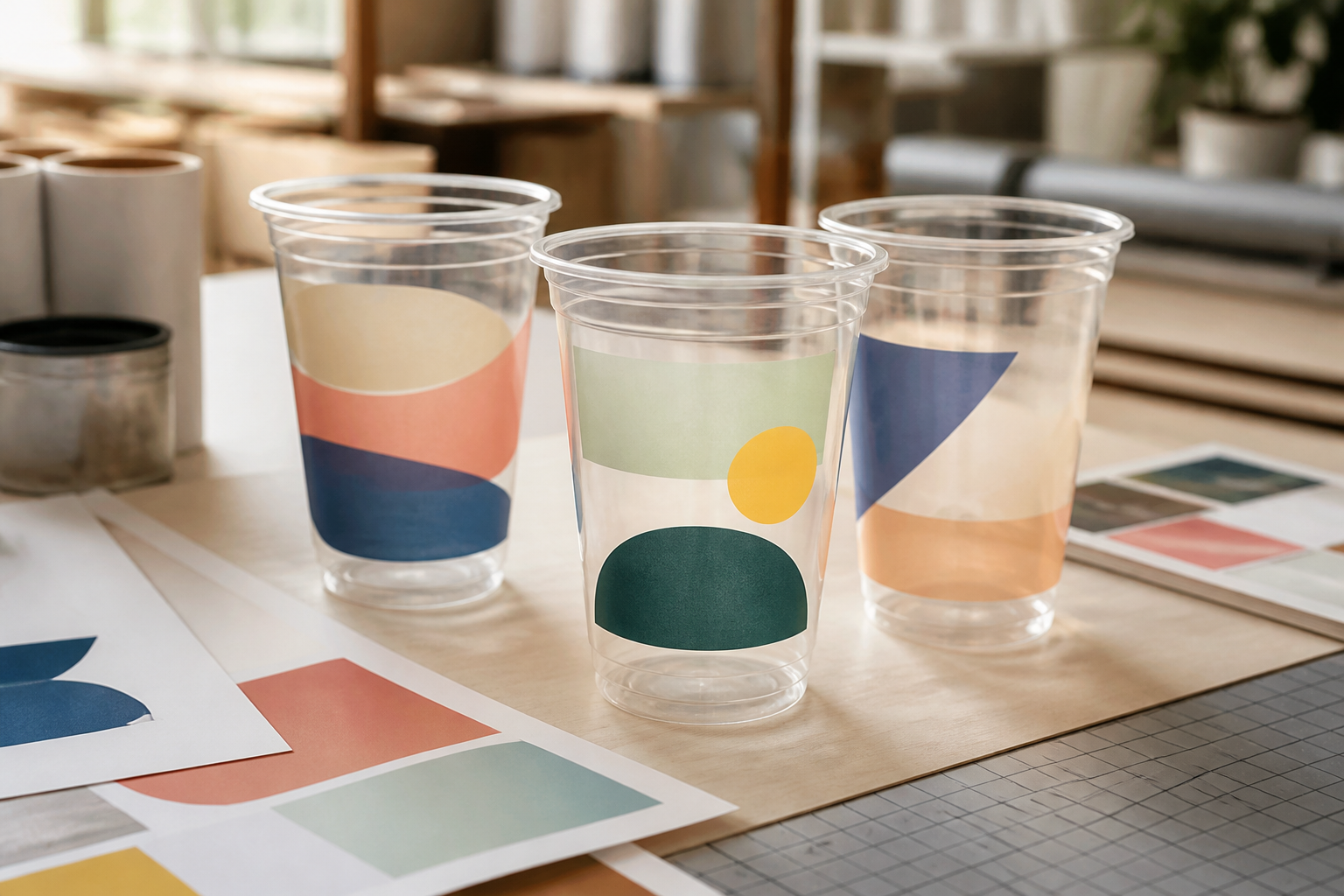
Designing for a PET cup is not the same as designing for white paper. Because PET is crystal clear, the color of your drink becomes the background for your logo. A light yellow logo may disappear on orange juice, and a thin font might get lost against the condensation of a cold drink. Successful branding requires understanding these material-specific constraints.
Design Checkpoints for PET Cups
Follow these 5 verified checkpoints to ensure your brand translates perfectly from your screen to the physical cup.
| Checkpoint | Requirement | Why It Matters |
|---|---|---|
| 1. Vector Format | AI / EPS / Vector PDF | Ensures sharp edges at any scale |
| 2. Color Opacity | High-density ink | Prevents "wash out" on clear plastic |
| 3. Safe Margins | 15mm from rim/base | Avoids distortion from cup curvature |
| 4. Text Size | Min. 6pt font | Keeps fine details legible after printing |
| 5. Overlap | Limit color trap | Maintains alignment on high-speed lines |
Accounting for Cup Curvature
Every disposable cup is slightly tapered (wider at the top, narrower at the base). If you apply a perfectly straight rectangular design to a tapered cup, it will appear to "frown" or curve downwards. Our design team provides free layout templates that automatically compensate for this curvature, ensuring your logo looks perfectly level when the cup is full.
Color Strategy for Clear Packaging
When printing on PET, we recommend bold, solid colors. White under-printing is an option if you need your logo to stay opaque regardless of the drink color inside. For brands using our low 1,000-piece MOQ service, sticking to 1 or 2 spot colors is the most cost-effective way to get a premium, high-contrast look.
Article FAQs
Always provide vector files (AI, EPS, or high-res PDF). Raster images (JPG/PNG) often result in blurry edges when scaled to fit the cup print area.
Yes. We support nearly 360-degree printing on both PET and PP cups. A small vertical gap is required for the machine registration mark.
Yes. We provide a free digital mockup for every custom order. Production only begins once you have signed off on the print layout and color count.